Features
The app is deliberately simple: in, phone away, live the night, out. And still nobody is cut off.
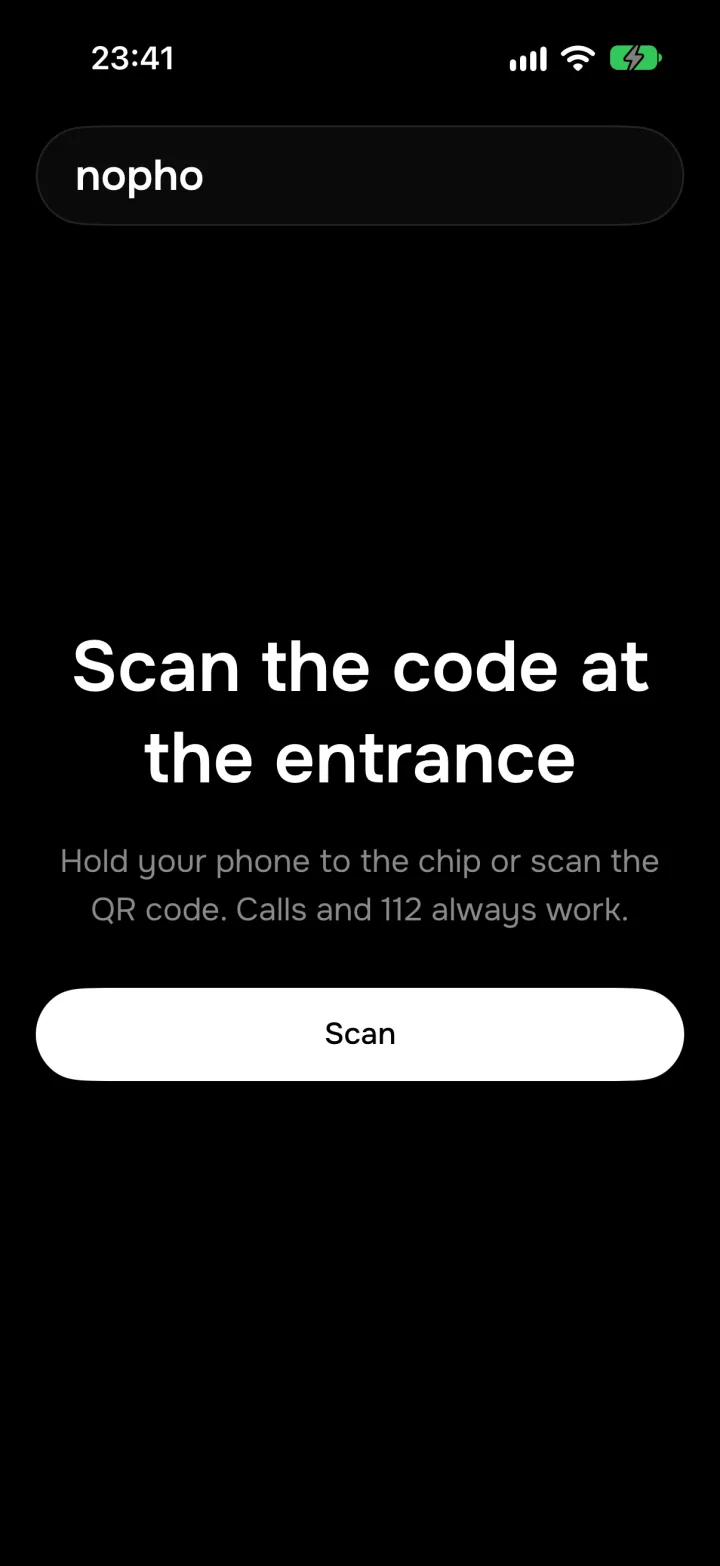
Get in with a QR code or NFC puck
Guests open the nopho app and scan the QR code at the entrance – or hold their phone to the NFC puck. From then on all apps are locked; calls and 112 always work.
You create the QR code for free in the dashboard. With many guests we recommend pucks at the entrance and the exit; it's faster. We bind every puck to your club; it leads to the running event every night by itself.
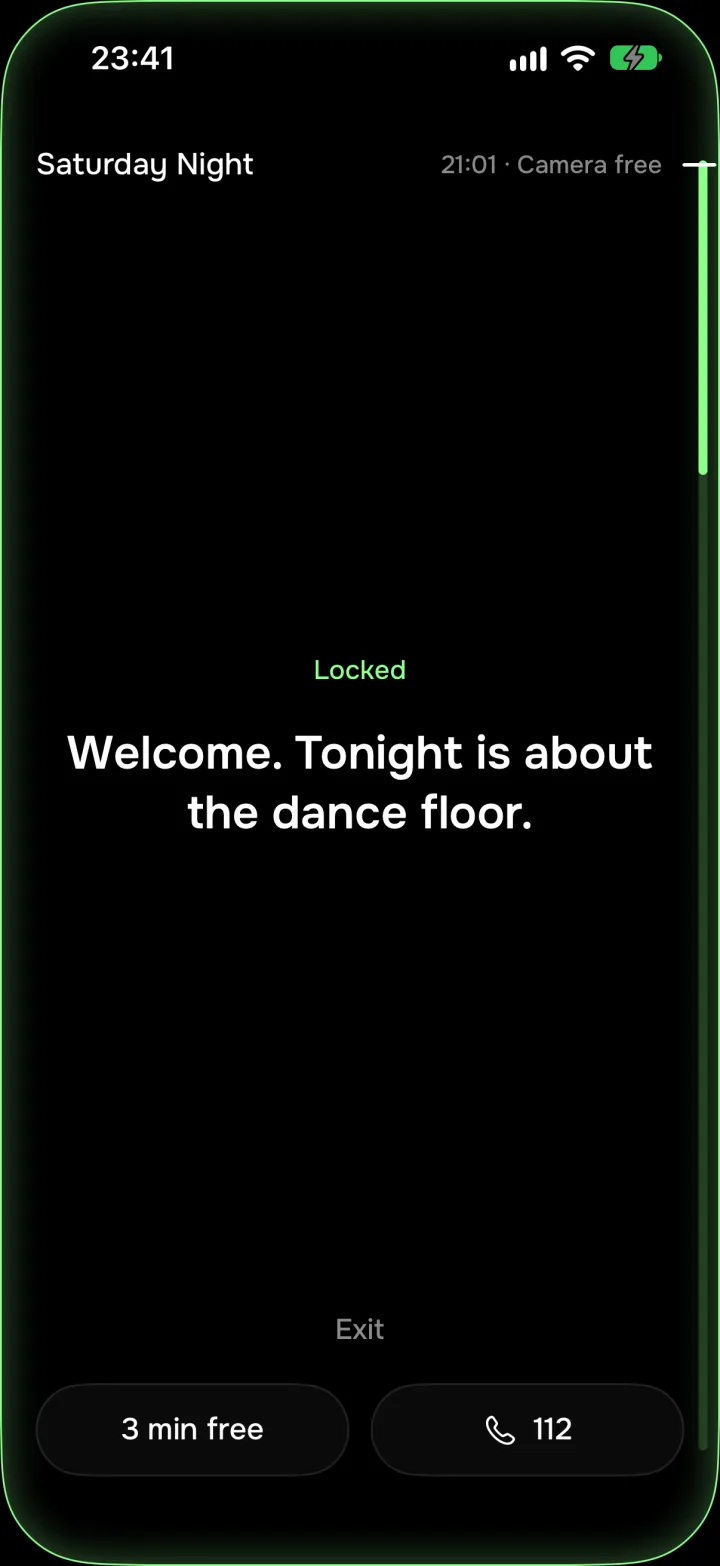
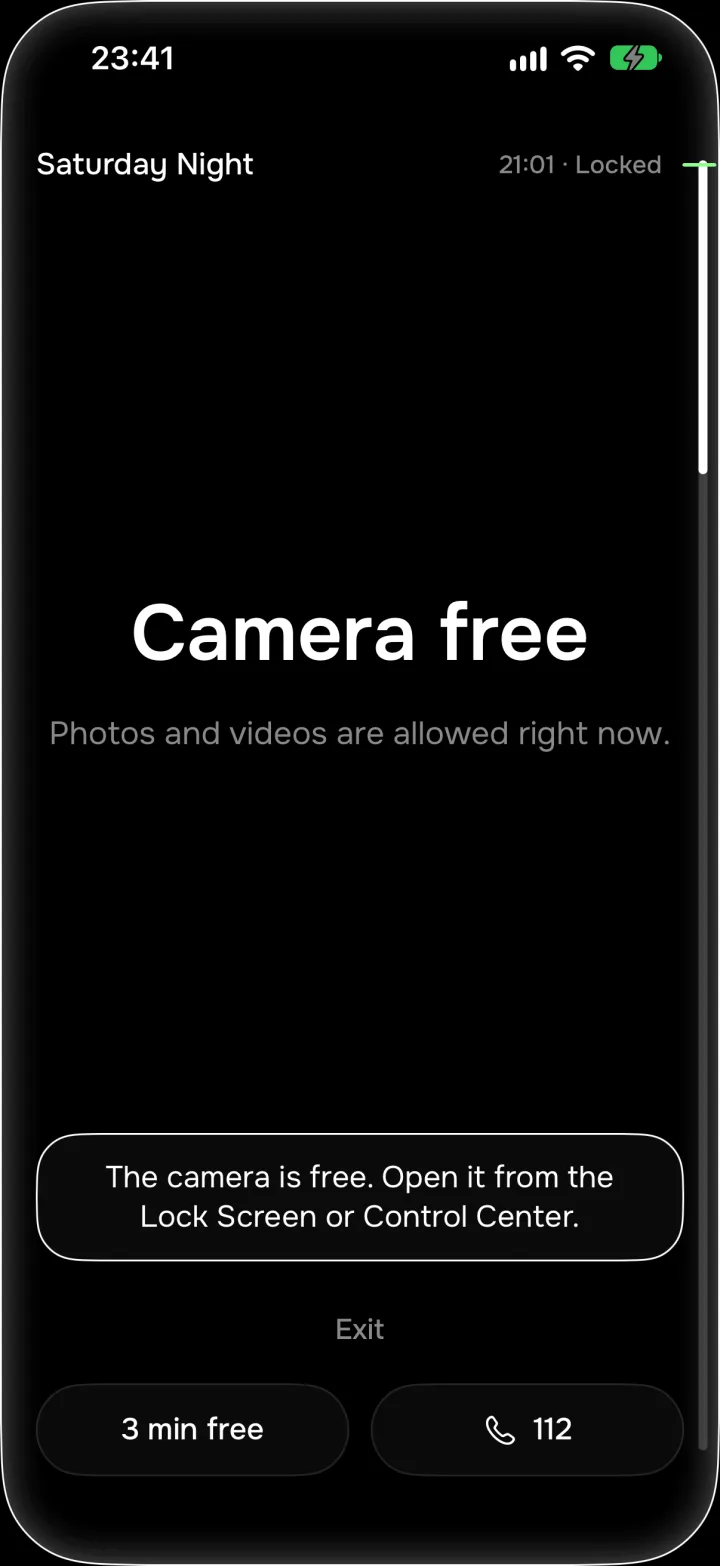
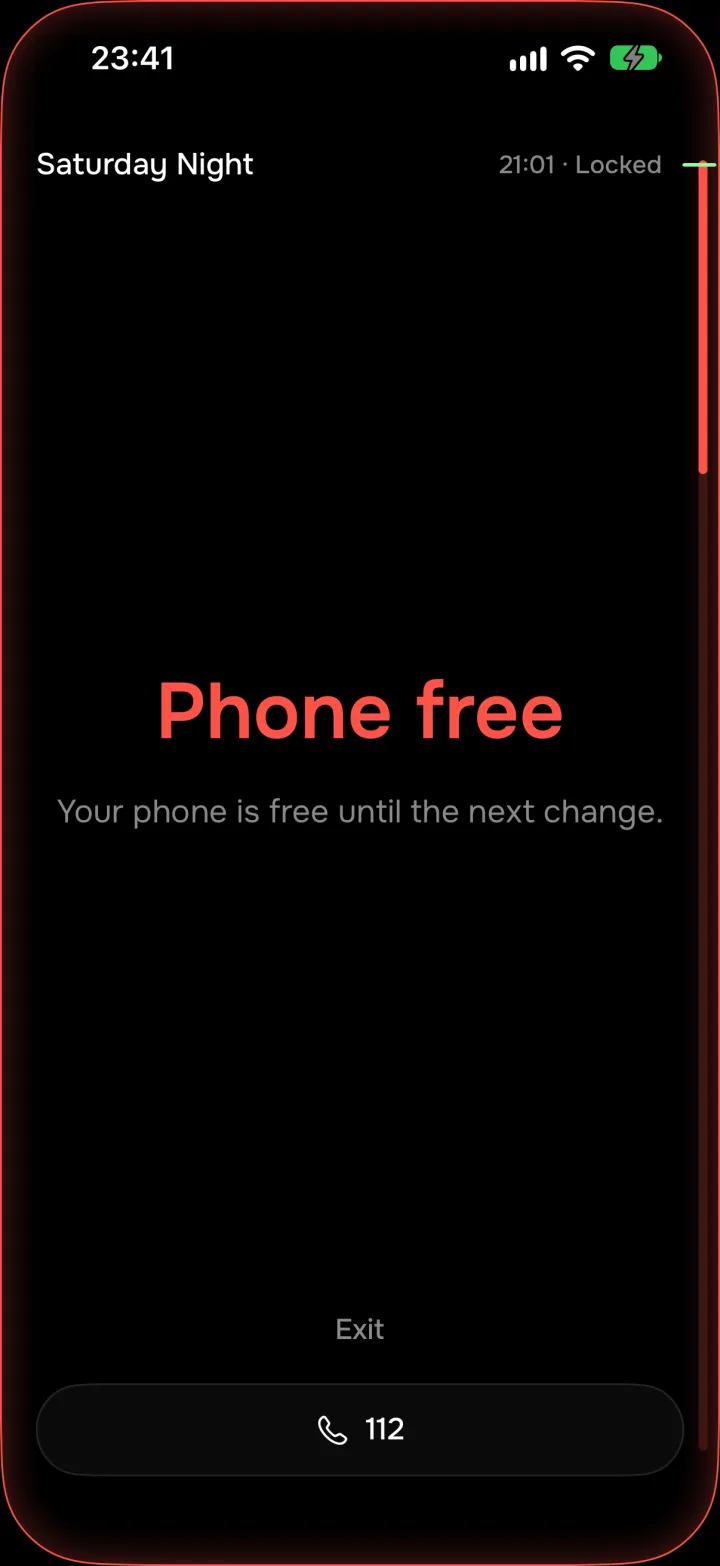
One schedule, three colours
- Green: locked.
- White: camera free, everything else locked.
- Red: phone completely free.
- Amber: lock interrupted – you see that in the dashboard too.
You plan to the minute what applies when – for example camera free during the headliner. It works live and spontaneously too. Phones switch by themselves, even offline. And at the door, one look is enough.
And also
What else is included
Short release for emergencies
Taxi, family, emergency: guests free their phone themselves for a few minutes, without asking and even offline. The default is 3 minutes, at most every 30 minutes. You decide how long and how often in the dashboard.
Calls and emergency number 112
Calls always work. The “112” button calls emergency services directly, no release needed.
Notifications
Phones announce every change and warn one minute before it gets stricter again. Even when the app is closed.
Exit
Clubs use a puck or a QR code on a screen that changes every 30 seconds. Private hosts print their exit code. At the end of the night every phone is free again by itself, even offline.
Live dashboard
How many phones are locked, who is briefly free right now, where the lock was bypassed. You change the schedule and the image on the guest screen live.
Privacy
No accounts for guests, no names, no phone numbers. Only an anonymous short ID, deleted 24 hours after the event. Photos and videos stay on the guest's phone.